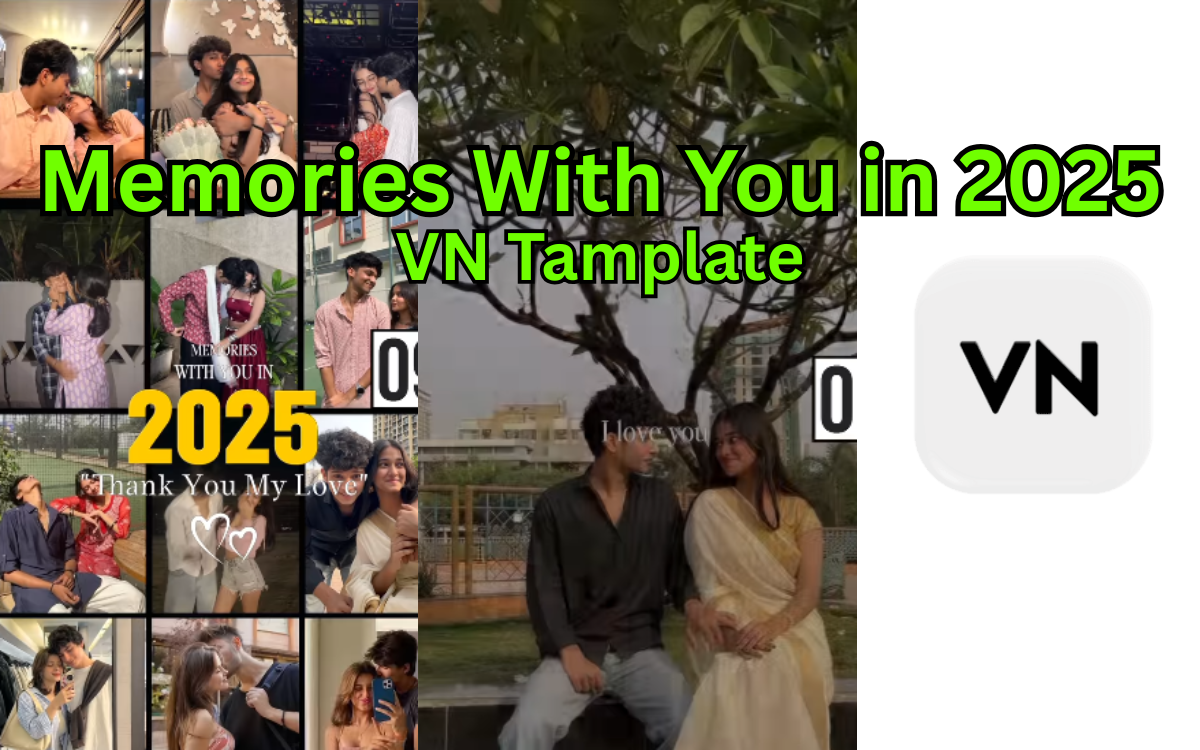
Memories With You in 2025 | Create a Memory Video Using VN Template
As 2025 comes to an end, many people are looking for meaningful ways to preserve their best moments. Photos stay in galleries, videos get lost in storage, and memories slowly fade. This is where the idea of “memories with you in 2025” becomes powerful.
Instead of keeping scattered files, you can save your entire year’s memories in one emotional video using a ready-made template, VN code, and QR code. This guide explains everything step by step in a simple, beginner-friendly way.
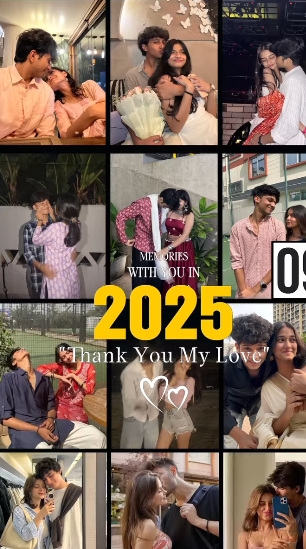
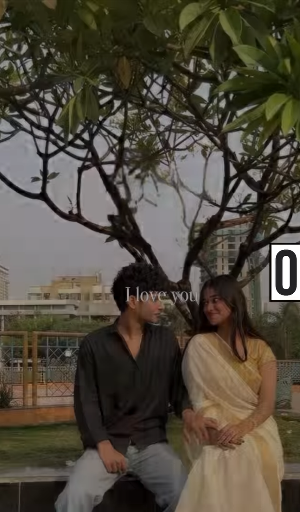
What Does “Memories With You in 2025” Mean?
“Memories with you in 2025” refers to a personal memory project where a user collects photos, short clips, and emotional moments from the year 2025 and turns them into one final memory video.
This video usually includes:
Favorite photos
Short video clips
Text memories or dates
Soft background music
Smooth transitions
The goal is not editing skills — it’s emotional storytelling.
Why End-of-2025 Memory Videos Are So Popular
At the end of each year, people naturally reflect on:
Relationships
Achievements
Travel
Family moments
Personal growth
In the United States, year-end recap videos are widely shared on:
Instagram
TikTok
YouTube Shorts
Private family groups
A memory template makes this process easy even for beginners.
What Is a Memory Video Template?
A memory video template is a pre-designed video layout that already includes:
Timing
Transitions
Text placeholders
Music slots
You don’t start from zero. You simply add your memories.
This is perfect for people who:
Have no video editing experience
Want fast results
Want a professional-looking video
How This Memory Template Works (Simple Explanation)
Here’s how the full process works:
User opens the template
Adds personal photos & clips
Edits text (names, dates, feelings)
Exports one final memory video
Saves or shares it forever
No complex editing required.
What Is a VN Code and Why Is It Important?
VN Editor is a popular free video editing app used worldwide.
A VN code is a special template sharing code that allows users to:
Import a full template instantly
Avoid manual setup
Keep transitions & timing perfect
Why VN Code Is Helpful
One-click template access
Beginner-friendly
No technical setup
Same professional result for everyone
You simply scan or enter the VN code, and the template opens automatically in the VN app.
Why QR Codes Make It Even Easier
Since many users already have the QR code, the process becomes even simpler.
Benefits of QR Codes:
No typing links
No searching templates
Instant access
Works on mobile devices
You scan the QR code → the template opens → you start adding memories.
This is ideal for users who are not tech-savvy.
Step-by-Step: How to Save Your Memories With You in 2025
Step 1: Install VN Video Editor
Download VN Editor from the App Store or Google Play
It’s free and beginner-friendly
Step 2: Scan the QR Code or Use VN Code
Scan the provided QR code

Paste the VN template code into the app

The full memory template will load instantly.
Happy New Year 2026: 10 Best Gemini AI Photo Prompts for Stunning Images
Step 3: Add Your Photos & Videos
Choose:
Photos from trips
Family moments
Friends
Special days
Random happy memories
Drag and drop them into the template slots.
Step 4: Customize the Text
Edit text like:
“Memories with you in 2025”
Names
Dates
Short emotional lines
Keep it simple and real.
Step 5: Preview and Export
Preview the full video
Export in HD quality
Save it to your phone or cloud
Your 2025 memories are now safe forever.
Tips for Making Your Memory Video More Emotional
To make your video truly special:
Use fewer but meaningful photos
Keep text short and honest
Match memories with music beats
Don’t over-edit
Emotion matters more than perfection.
Who Should Use This Memory Template?
This memory video idea is perfect for:
Couples
Best friends
Families
Parents
Anyone ending 2025 with memories worth keeping
You don’t need editing skills — just memories.
Is This Beginner-Friendly?
Yes. This entire system is designed for beginners:
No technical editing
No complex tools
Simple VN app
QR code access
If you can use a smartphone, you can create this video.
Why Google Considers This Type of Content Helpful
This article and topic align with Google’s Helpful Content System because:
It solves a real user problem
It provides step-by-step guidance
It’s experience-based
It avoids fluff and over-optimization
That’s why “memories with you in 2025” works well as an informational guide.
FAQs
Can I use this template without editing experience?
Yes, it’s made for beginners.
Is VN Editor free?
Yes, VN Editor is free to use.
Can I change music in the template?
Yes, you can replace the background music if you want.
Is the QR code necessary?
No, but it makes the process faster and easier.
Can I keep the video private?
Yes, you can save it privately without sharing.
Final Thoughts: Memories With You in 2025
As 2025 ends, memories become more valuable than content. A single well-made video can hold emotions, people, and moments that no social media post can replace.
Using a memory template, VN code, and QR code, anyone can turn a full year into one timeless video.
If you have memories from 2025 — don’t let them fade. Save them. 🎥❤️
1 thought on “Memories With You in 2025 | Create a Memory Video Using VN Template”